01
Import
Drop in a long video and pick its content type — gaming, shopping, interview, and more.
Detect. Clip. Compile. Publish.
Drama twists, product highlights, gaming wins, podcast quotes, and lesson takeaways. AI finds the best moments and turns them into short clips ready to share.
Free to try · Works on Windows and macOS
Surface plot turns, emotional peaks and suspense in existing AI-generated drama videos.

Game kills, sales pitches, interview gold — lumenhut knows what a highlight looks like in your kind of content. It captures every moment worth sharing, turns them into ready-to-post 10–60 second clips or one highlight reel, and packages titles, captions, and post copy automatically.
See Features ↗A clear path from your source footage to your next post.
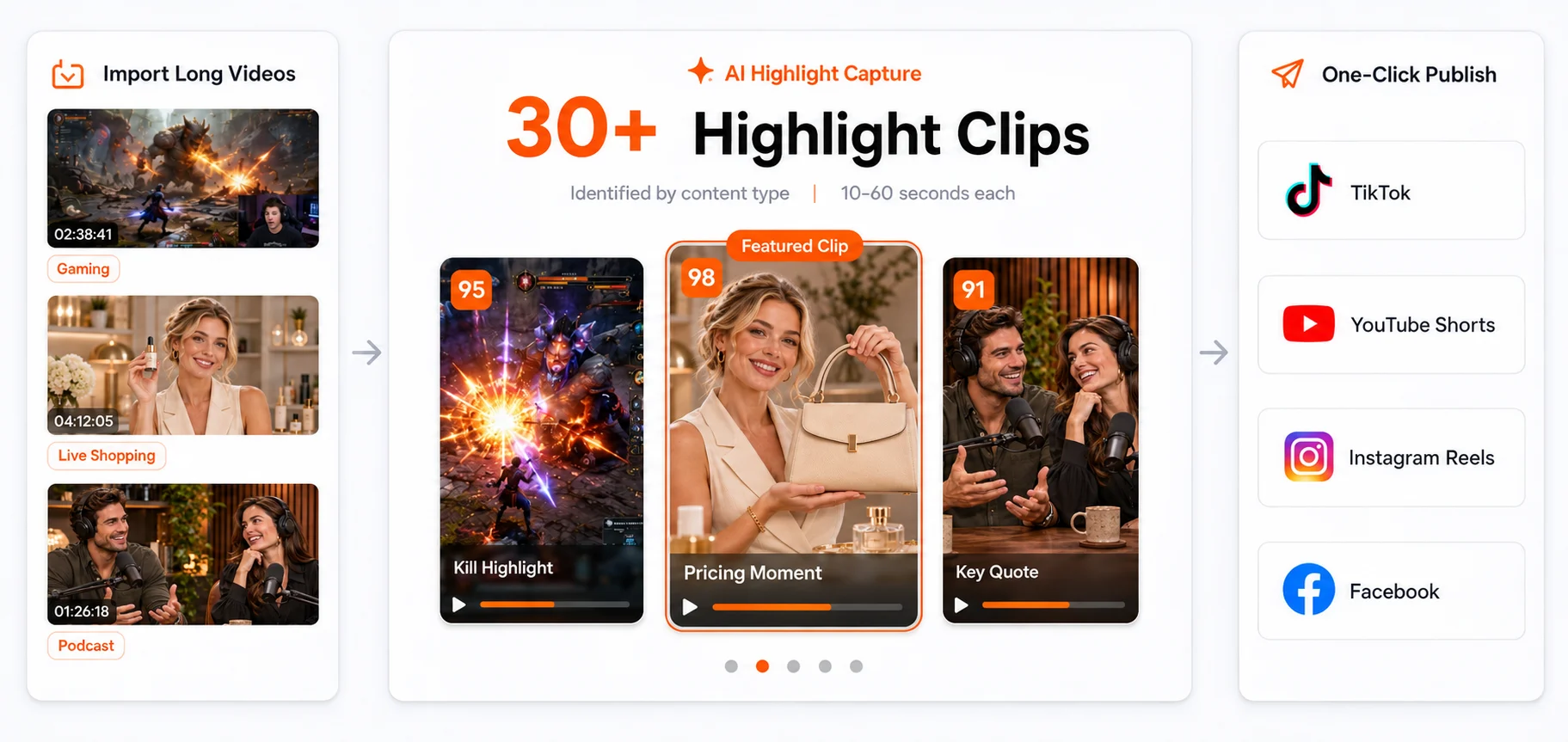
Choose a video and its content type.
Find the moments that matter to your audience.
Review clips, refine captions and prepare your cut.
Export or publish to supported social platforms.
No editing experience needed. No timeline to learn.
Drop in a long video and pick its content type — gaming, shopping, interview, and more.
Detection, clipping, packaging, scoring — lumenhut runs the whole pipeline, tuned to your content type.
Pick your favorites, export in one click, or post straight to social.
Different content. Different signals. Discover what makes each moment worth sharing.
Bring key selling points and brand messages to the front of your next campaign.

Kills, clutch plays, wild moments — AI watches the whole stream and flags them all. Walk away with a full highlight reel and postable clips the second you go offline.

Bring existing episodes into Lumenhut. Find the conflict, emotion and suspense that invite viewers into the full story.
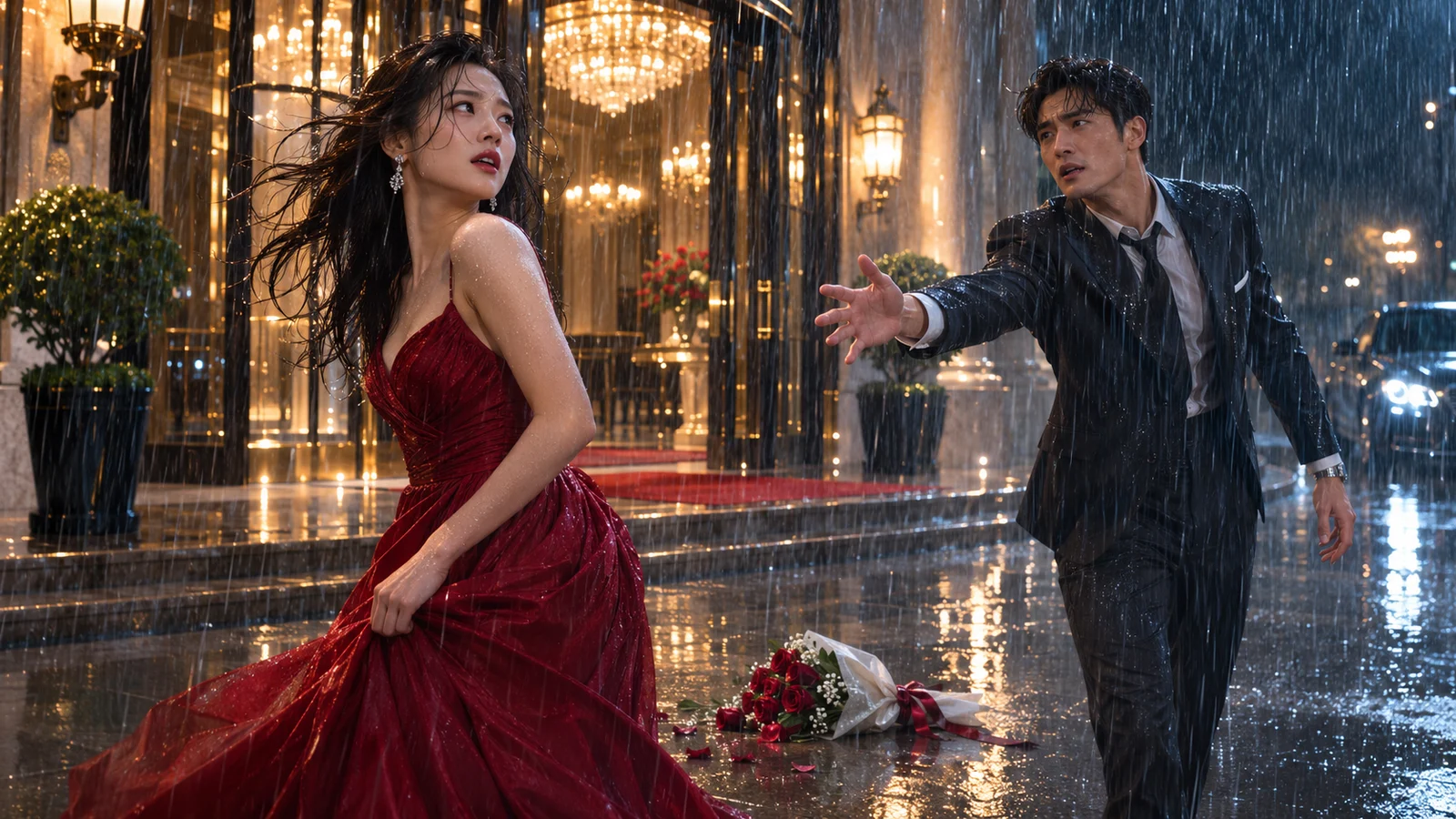
Highlight editing for existing videos. Lumenhut does not generate drama episodes.
Detection, clipping, packaging, scoring, publishing — one agent handles it all.
Generic models miss what matters. lumenhut spots the kill in a gaming stream, the price drop in a live sale, the quotable line in an interview — 8 content types, each with purpose-built detection logic.

One long video becomes dozens of 10–60 second shorts in minutes, each with a clean opening and a real hook. Ready to post.
Most tools only chop fragments. lumenhut also compiles your best moments into one reel — game recaps, course highlights, stream summaries.
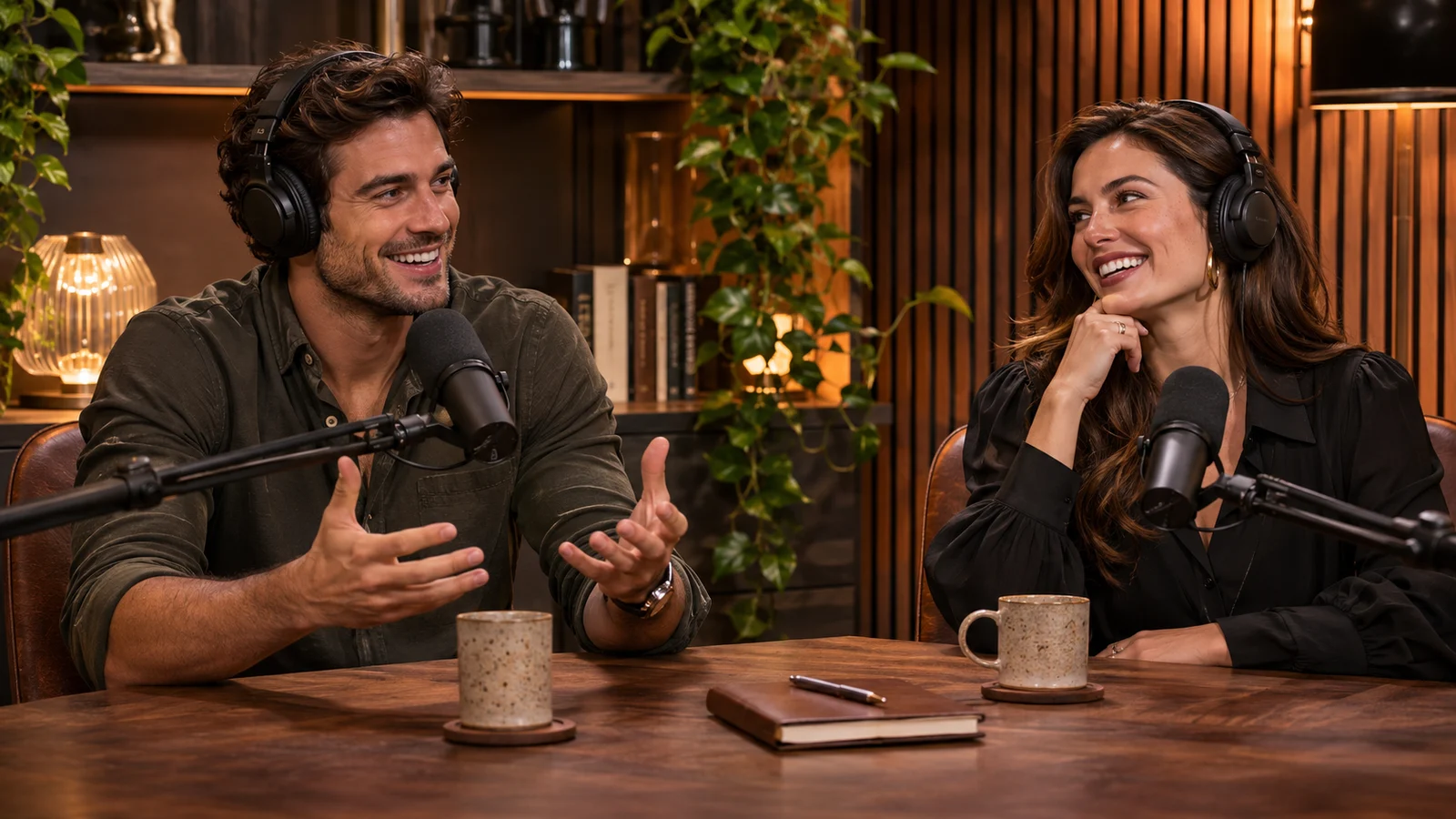
Titles, subtitles, hashtags, and platform-ready post copy, generated alongside every clip. No more staring at a blank text box.
Every clip gets an AI score for hook strength, content value, and share potential. Stop guessing — lead with your strongest clip.
Fine-tune video and captions on one timeline, drop in B-roll, music, and your brand style. No editing software required.
Get more from every long video, from finding the highlights to publishing your clips. Keep your time for creating.
Plot twists in dramas, kills and team fights in gaming, prices and product benefits in shopping streams. Content-specific analysis of visuals, speech and pacing helps reduce frame-by-frame searching.
Detection tailored to each content typeCreate standalone shorts for regular posts or combine moments into game recaps, lesson summaries and livestream highlights. Use the same footage for both ongoing updates and themed compilations.
Individual clips + highlight reelsGet AI assistance with titles, captions and post copy, then preview, select and refine in one workspace. Spend your time on editorial choices instead of preparing every clip from scratch.
AI-assisted production, with you in controlConnect your supported social accounts and move from making clips to distributing them. Prepare content for TikTok, YouTube, Instagram and more with fewer export and upload steps.
Editing, packaging and publishing togetherAvailable for Windows and macOS · Free trial after download
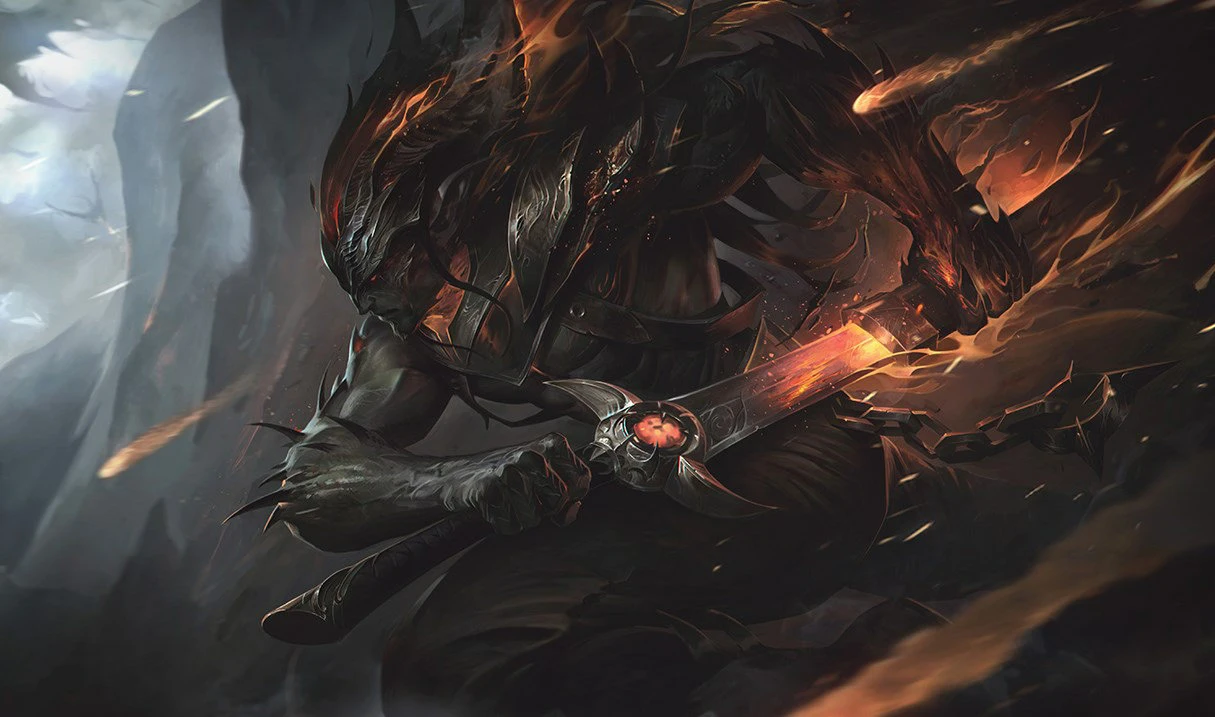
Same footage, two very different days.
Connect your accounts once — every clip can go live right from lumenhut.
Move from finished highlights to supported social platforms in the same workflow.
Account authorization required
Selected destinations: 0
More platforms coming soon
Build a regular posting rhythm from streams, podcasts and long-form videos.
Give product demonstrations and selling moments a second life.
Turn campaigns into focused, platform-ready brand stories.
Help new audiences discover existing episodes through compelling moments.
Matrix publishing is a volume game. lumenhut multiplies what one video produces — and shrinks distribution to a single click.
Dozens of postable clips from one long video
6 platforms, one click, no per-account uploads
Assets, clips, and publish status in one place
Eight content types — gaming, live shopping, short drama, interviews, courses, sports, vlogs, and more — each with purpose-built detection logic. Common formats like MP4 and MOV are supported; see the in-app list for details.
Pick a content type on import and the AI switches to its dedicated logic — kills and team fights for gaming, price reveals and pitches for shopping, quotes and exchanges for interviews. It analyzes visuals, speech, and pacing to flag and score every highlight.
Yes. lumenhut works with completed AI-generated drama videos to identify story highlights and help turn them into individual clips or highlight reels. An AI drama generator creates new footage from inputs such as scripts or images. lumenhut focuses on highlight selection, editing and distribution after an episode has been produced; it does not generate drama episodes.
Short-drama highlight detection focuses on character conflicts, plot twists, emotional peaks and suspense, such as an identity reveal, a relationship change or a pivotal exchange. lumenhut analyzes visuals, speech and pacing to suggest candidate clips. Review those suggestions in context and choose the moments that fit your story and promotional goals.
Import a completed episode, select the relevant content type and review the suggested highlights for conflict, twists or suspense. For a trailer, organize clips around one central hook, provide enough character context and consider ending before the key question is answered. Check captions and transitions before exporting the video for episode promotion or social posts.
Yes. Separate conflicts, emotional moments and suspenseful scenes can become individual clips or be combined into a highlight reel. Give each promotional clip one clear focus and vary its opening and scene selection to reduce repetition. The number of usable clips depends on the source material and its length; assess promotional performance using feedback after publishing.
Review AI-selected highlights alongside the surrounding scenes. Check that character relationships are clear, dialogue is not cut off and events still make sense. Keep setup shots where they are needed. A promotional trailer can show a conflict or raise a question while leaving the resolution in the full episode. Treat automatic selections as an editing starting point and review the final cut.
Clips are standalone 10–60 second shorts, each with its own hook — built for steady posting. A reel compresses the whole video's best moments into one cut — perfect for recaps and compilations. One video can output both.
TikTok, YouTube, Instagram, LinkedIn, X, and Facebook. Authorize once and publish any clip in one click. More platforms are on the way.
Download and try the full core workflow — import, highlight detection, clipping, and export — no credit card required. See in-app details for trial limits.
Both. lumenhut ships native clients for Windows and macOS — grab the right installer on the download page.
Download and go — your first batch of highlight clips is minutes away.
Download for FreeFree to try · Works on Windows and macOS